How to improve your TV's image quality: the hidden HDMI setting
Many modern TVs require manual adjustment for proper HDR performance. The HDMI Deep Color feature can significantly enhance color accuracy.
 🏙️City
Photo: UNIAN
Key points
- HDMI Deep Color improves color depth
- The option is often disabled by default
- Settings are available on most modern TVs
Why your TV might display dull images
Even with a modern Smart TV that supports HDR, users often do not get the expected image quality. The issue may lie in the HDMI Deep Color feature, which is often disabled by default and is responsible for extended color depth. This technology enables the transmission of 10 or 12-bit signals, which significantly eliminates harsh transitions between shades and makes the picture more realistic.
How to activate the hidden option
Although many devices are designed to automatically activate this mode when connecting consoles or streaming boxes, this does not always happen in practice. To check the settings, you need to access the input management menu of your TV. Depending on the manufacturer, the feature may have different names: HDMI UHD Color, Ultra HD Deep Color, or "Enhanced format".
If you notice that the image in 4K movies or during gaming looks washed out, it is worth manually checking the status of this option for every HDMI port you use. This is a free way to optimize your home media system without the need for hardware upgrades.
Source UNIAN — unian.ua/techno/gadgets/shcho-take-hdmi-deep-color-i-chomu-cyu-funk… ↗
Read next
 ⚽Sport
Premier League Matchday 11: Chelsea routed as leaders secure wins
The latest round of English Premier League fixtures saw high-scoring encounters and a surprising defeat for Chelsea.
 💡Tech
US Unveils New Long-Range Bombard Jet Drone Developed with Ukraine Combat Insights
American defense firm Vector has introduced Bombard, a jet-powered precision strike drone with a range of up to 1,100 kilometers, designed for modern warfare demands.
 💡Tech
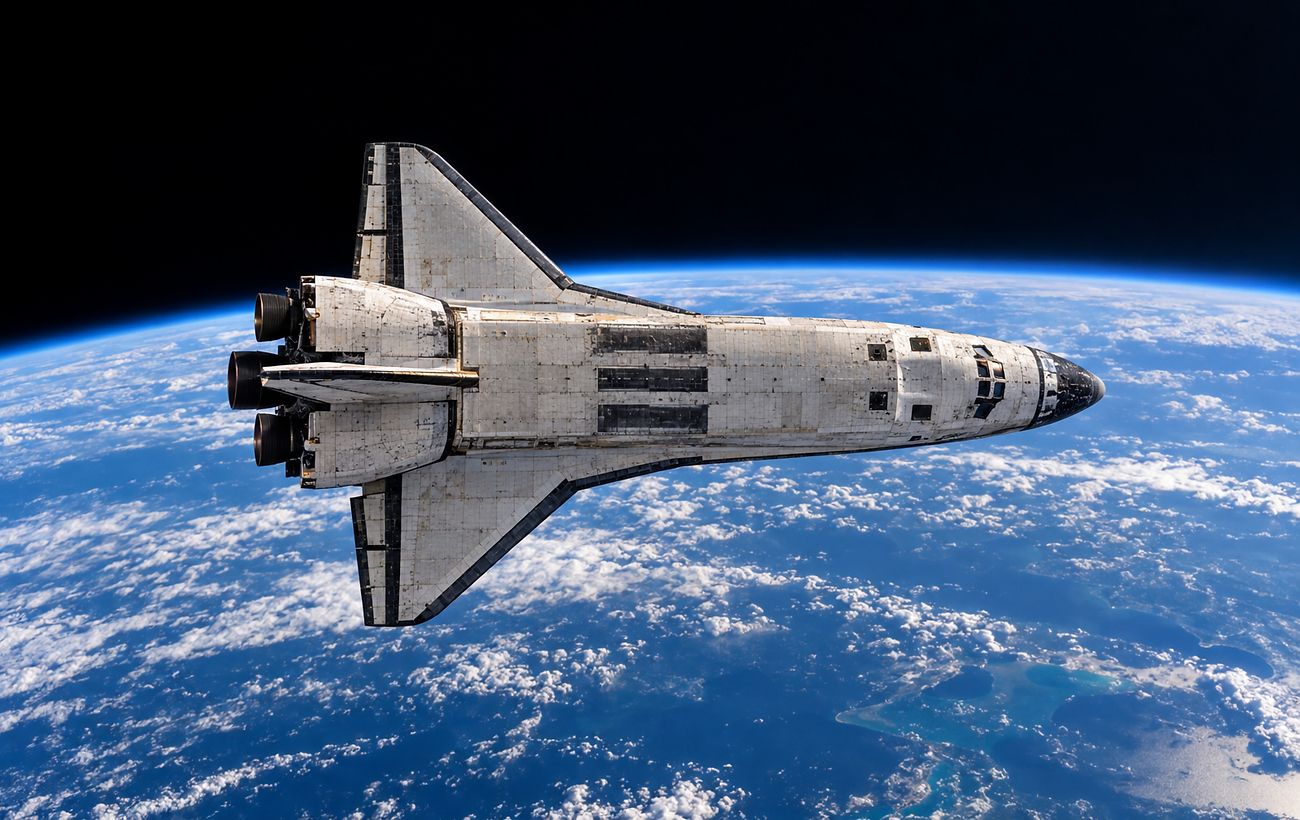
China develops project for a rapid-response space fleet
Chinese researchers have unveiled a concept for a fleet of 40 spaceplanes capable of reaching any point on Earth in minutes.
 🛡️Security
Russian dry cargo ship in distress near Gelendzhik
A Russian cargo ship has been spotted in an emergency state with a significant list near the Black Sea coast.
 👥Society
Demographic Challenge: How Many Ukrainians Might Return Home After the War
Demographer Alexander Gladun forecasts that the prolonged war significantly reduces the chances of citizens returning from abroad, creating serious demographic risks for …
 💼Economy
Trump's Remarks on European Aid to Ukraine: Volodymyr Zelenskyy's Response
The Ukrainian President commented on Donald Trump's statements to European leaders regarding defense spending.